Public status page and badges
SharingPublish a status page your players can open without an account, and drop a live badge into a website or a forum signature.
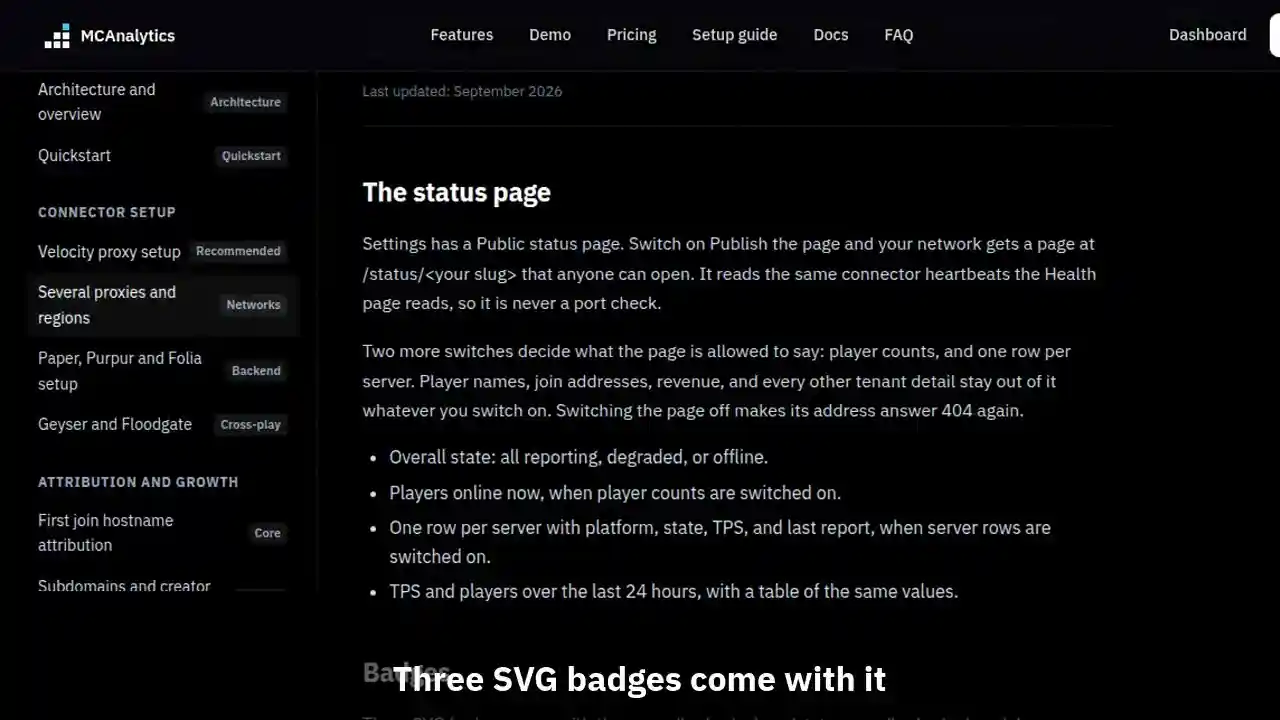
The clip shows, in order:
- Publish the page in Settings.
- Status, players, one row per server.
- Three SVG badges come with it.
- Back on the docs: they follow the page.
#The status page
Settings has a Public status page. Switch on Publish the page and your network gets a page at /status/<your slug> that anyone can open. It reads the same connector heartbeats the Health page reads, so it is never a port check.
Two more switches decide what the page is allowed to say: player counts, and one row per server. Player names, join addresses, revenue, and every other tenant detail stay out of it whatever you switch on. Switching the page off makes its address answer 404 again.
- Overall state: all reporting, degraded, or offline.
- Players online now, when player counts are switched on.
- One row per server with platform, state, TPS, and last report, when server rows are switched on.
- TPS and players over the last 24 hours, with a table of the same values.
#Badges
Three SVG badges come with the page: /badge/<slug>/status.svg, /badge/<slug>/players.svg, and /badge/<slug>/tps.svg. Each one is cached for a minute and can be loaded from any origin, so it renders in a readme, a website, or a forum signature.
The Address and badges block on that Settings page shows a live preview of each badge with ready Markdown and HTML to copy. The same snippets are served as JSON at /badge/<slug>/embed for anything that builds the markup itself.