Discord alerts
Every planPaste one Discord channel webhook and get new purchases, join address drops, lag, player cap warnings and a daily summary in that channel.
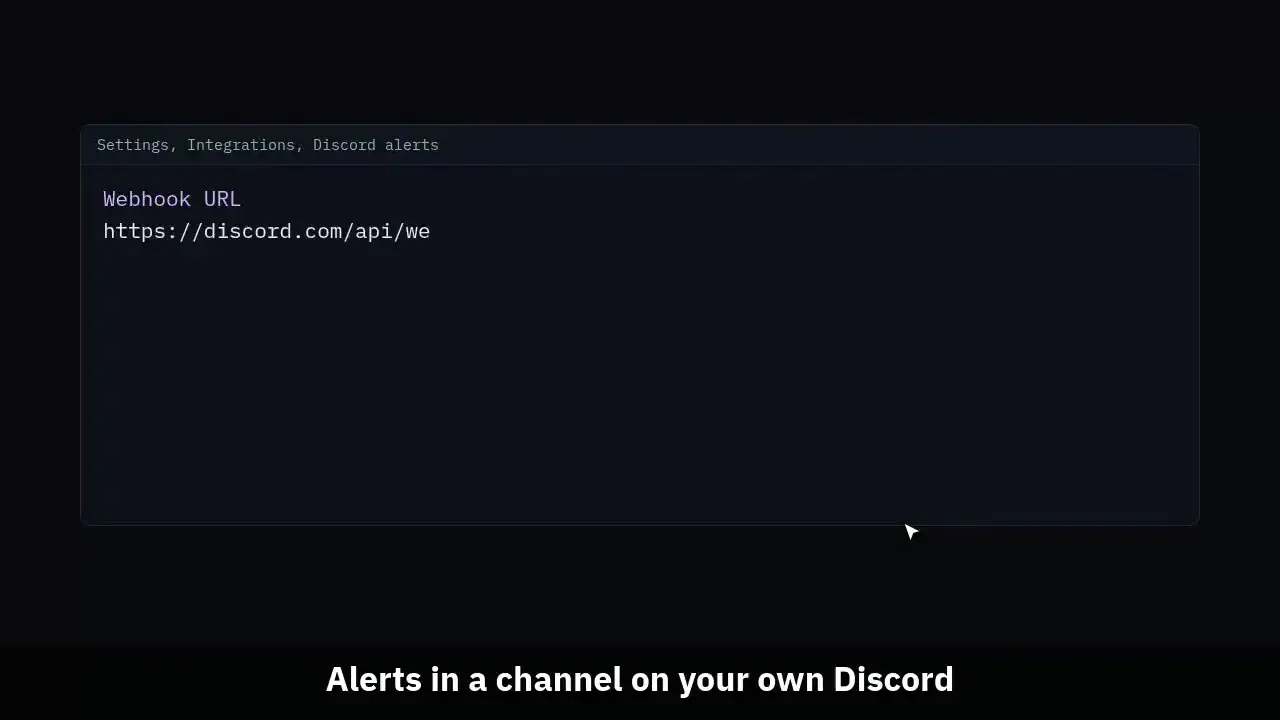
The clip shows, in order:
- Alerts in a channel on your own Discord.
- Paste a webhook, tick alerts, send a test.
- Purchases, join drops, lag, the cap, a daily summary.
- Each alert posts once, at most 20 a minute.
#Set it up
An owner or admin can set it up. Discord alerts are on every plan, the free plan included.
- In Discord, open the channel settings, then Integrations, Webhooks, New Webhook, and Copy Webhook URL.
- In MCAnalytics, open Settings, Integrations, Discord alerts, and paste it. Only a discord.com webhook address is taken.
- Tick the alerts you want and press Save Discord alerts.
- Press Send test. A short message lands in the channel, and the log under the card says whether it did.
#The alerts
Retention Autopilot used to keep its own webhook. It now posts to this one, so a network has one Discord integration, and a webhook saved in Autopilot shows here.
| Alert | When it posts |
|---|---|
| New purchase | Each completed sale from any connected store, once. Off until you tick it. |
| Join address stops bringing players back | Retention Autopilot, on Unlimited, at most once per address a week. |
| Lag on a server | A sustained lag spike on a Paper server, at most once per server in 15 minutes. |
| Player cap grace and lock | When the 7 days of grace start, and when the boards lock. |
| Daily summary | Once a day, just after midnight UTC: players, new players, sessions and revenue for the day before. |
#The delivery log
The card lists the last 20 messages: when, which alert, a short line, and whether Discord took it. Not delivered usually means the webhook was deleted in Discord; paste a new one. Rows are kept for 30 days.
#How the webhook is kept
A webhook URL carries its own token, so anyone holding it can post to the channel. It is stored sealed with AES-GCM, the same way store secrets are, and never shown again; Settings shows only its numeric id.
Messages never mention a role, a user or everyone, whatever a package or server name says. Redirects are never followed.
#Limits
- At most 20 messages a minute per network. A message past that is skipped and logged as such, so a burst of sales never gets the channel throttled by Discord.
- Each alert posts once. A store that sends the same sale twice, or a server that flaps, does not post twice.
- To get the same alerts on your own service, use outgoing webhooks on the Unlimited plan.