Export API
Network and upPull players, sessions, purchases from every store, votes and custom events out as JSON or CSV, one page at a time, for any range of days.
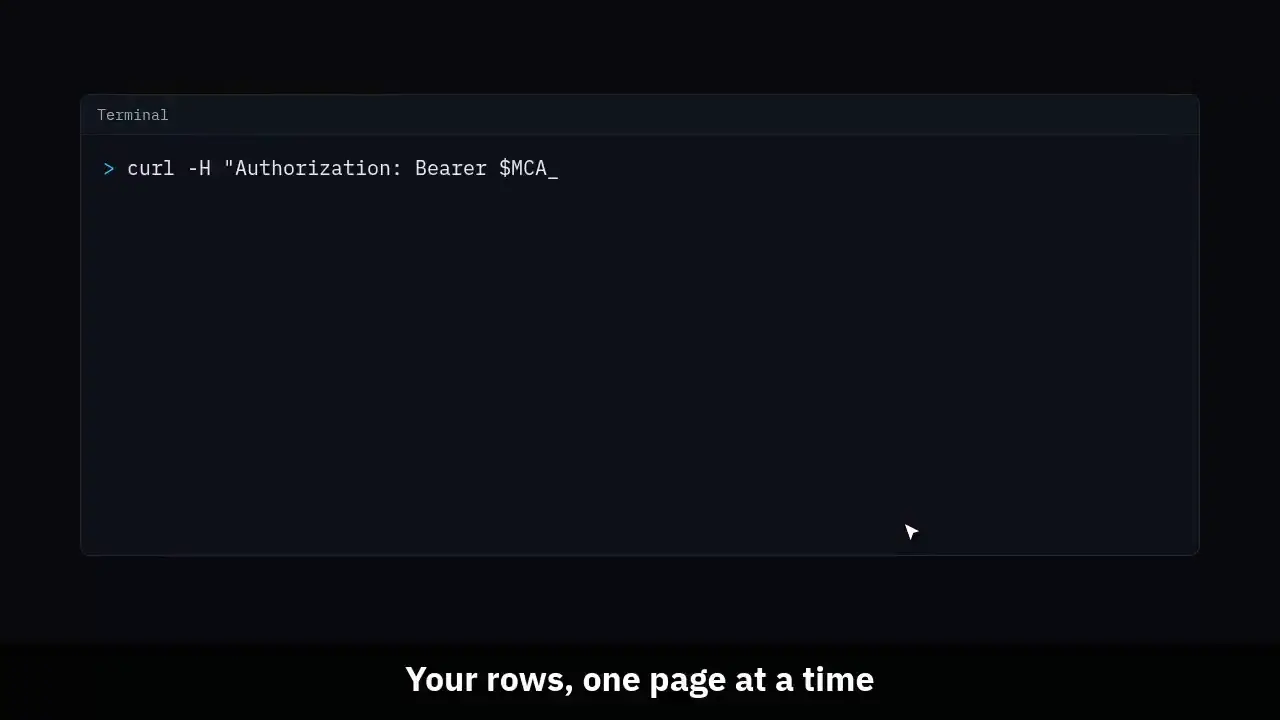
The clip shows, in order:
- Your rows, one page at a time.
- Players, sessions, purchases, votes and events.
- JSON or CSV, with a cursor that never skips a row.
- No IP data and nothing a player typed.
#Make a key
In Settings, Integrations, mint a key with the Export scope. It is shown once. Send it as a bearer token. The export API is on the Network plan and up; below it every request answers 403 with NETWORK_PLAN_REQUIRED.
curl -H "Authorization: Bearer $MCA_KEY" \
"https://mcanalytics.org/api/v1/export/sessions?from=2026-09-01T00:00:00Z&to=2026-10-01T00:00:00Z&limit=500"#Datasets
Purchases cover every connected store, Tebex, CraftingStore, PayPal and Stripe, and the store column says which. A purchase that matched no player is in the file with player_id empty.
Each event row carries its props as one JSON column. Every time is UTC.
| Route | Ordered and ranged by |
|---|---|
| GET /api/v1/export/players | first_join_at |
| GET /api/v1/export/sessions | joined_at |
| GET /api/v1/export/purchases | purchased_at |
| GET /api/v1/export/votes | voted_at |
| GET /api/v1/export/events | occurred_at |
#Ranges and pages
from and to are ISO times, to is not included, and the default is the last 30 days. A range can be up to 400 days.
format is json (the default) or csv. JSON answers rows under data and the cursor for the next page under meta.next. CSV answers the rows as a file and the cursor in the X-MCA-Next-Cursor header. Send it back as cursor with the same from and to. No next means you have every row.
The cursor is the time and id of the last row, so a page never skips or repeats a row while new ones arrive.
cursor=""
while :; do
  page=$(curl -s -H "Authorization: Bearer $MCA_KEY" \
    "https://mcanalytics.org/api/v1/export/events?limit=1000&cursor=$cursor")
  echo "$page" | jq -c '.data[]' >> events.jsonl
  cursor=$(echo "$page" | jq -r '.meta.next // empty')
  [ -z "$cursor" ] && break
done#What is never exported
No IP address and no IP hash: raw addresses are never stored at all. No chat or command text a player typed, even on a network that switched player text on. No store secret and no key.
A vote row leaves out the name the voting site sent and carries the matched player id instead.
#Export from Settings
Settings, Data and privacy has a CSV export card. Pick the data and a range of UTC days, and the file downloads. It is the same file the API gives, up to 100,000 rows, for an owner or admin.
#Limits
- JSON pages hold up to 1,000 rows, 500 by default. CSV pages hold up to 50,000, 10,000 by default.
- 60 export pages a minute per network, on top of 600 requests a minute per key. A 429 says how long to wait in Retry-After.
- A cursor only works with the dataset it came from.