Several proxies and regions
NetworksRun the connector on more than one Velocity or BungeeCord proxy, in one region or several, and still count every player once.
The clip shows, in order:
- Add a server per proxy, one name each.
- A code lasts ten minutes.
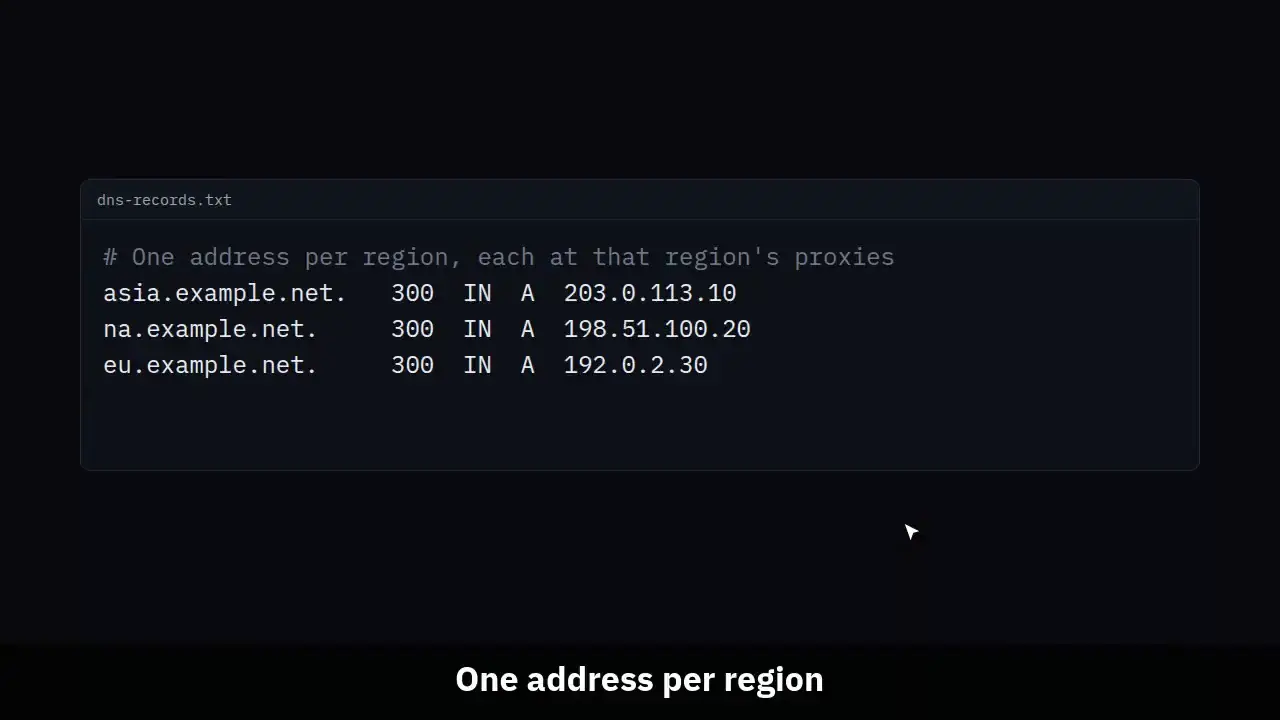
- One address per region.
- Health keeps a row for every proxy.
- Online now adds the proxies together.
Two proxies in Asia, one in North America and one in Europe, with the same backends behind them, is one network in MCAnalytics. Each proxy pairs as a server of its own. A player is one record per account whichever proxy they came through, and Online now is the proxies added together.
#Pair each proxy
Install the same loader on every proxy: the Velocity loader on Velocity, the BungeeCord loader on BungeeCord or Waterfall. A network can mix both. The config.toml can be the same file on all of them: once a proxy is paired, the name the dashboard gave it wins over server_name.
In Settings, Servers, press Add a server once per proxy and give each its own name, such as proxy-asia-1, proxy-asia-2, proxy-na and proxy-eu. Run each code in that proxy's console. A network holds one open code at a time, so make a code, run it, then make the next. A code lasts ten minutes.
A name that is already paired is refused for a new server, because running that code would replace the paired server's credential and switch it off. To move a proxy to a new machine, press Re-pair on its row instead.
#Backends
Install the Paper loader on each backend and pair it the same way, with a name of its own. Behind Velocity with player info forwarding, or BungeeCord with settings.bungeecord on in spigot.yml, auto mode picks backend by itself. Where the proxy forwards nothing, set deployment-mode to backend.
In backend mode a server sends heartbeats, in game events and confirmed bans, and no sessions. The session comes from the proxy the player came through, so a player is recorded once whichever proxy and backend they use.
Give each backend the name it has in velocity.toml, or in BungeeCord's config.yml. A finished session is named after the backend the player left from, as the proxy names it, so matching names put that server's sessions and its health under one name.
#What adds up
| Number | With several proxies |
|---|---|
| Online now | The proxies that reported in the last 10 minutes, added together. The backends are left out while any proxy reports, because they hold the same players. |
| Health total and the public status page | The same sum, by the same rule. Health still lists every proxy and every backend on a row of its own. |
| Peaks and the plan cap | For each minute, each proxy's highest count in that minute, added up. Backends are never added on top. |
| Players, new players, 7-day return and revenue | One player per account: premium Java by UUID, Bedrock by XUID, cracked Java by name, each kept apart. A player who joins in Asia and later in Europe counts once. |
| Sessions | One per connection to a proxy. Moving between backends on one proxy stays one session. Reconnecting through another proxy starts a new one, and the first ends when the player left. |
| Server list pings | The proxies' counts. A backend that gets pings passed through from a proxy is not added on top. |
| Server lists | Proxies come first. On Overview, Health and the public status page the servers behind them are marked as the same players, so no list reads as one sum. With no backend paired, each proxy counts its own players and the proxies add up. |
#Players by region
A player's source is the address they typed on their first join, and it stays theirs when they later come in through another region. With one shared address, such as play.example.net sent to the nearest proxy by GeoDNS, every player lands under that address and the region is not recorded.
To read regions under Growth, Sources, give each region its own address and point it at that region's proxies. Label each one in Settings, Join addresses. Creator and campaign addresses keep working beside them, whichever proxy they point at.
# One address per region, each at that region's proxies
asia.example.net.   300  IN  A  203.0.113.10
na.example.net.     300  IN  A  198.51.100.20
eu.example.net. 300 IN A 192.0.2.30#Limits
- A proxy that has not reported for 10 minutes drops out of Online now and its row is marked stale until it reports again.
- A proxy that goes down without sending its quits leaves those sessions open. Live and the players list stop showing such a player as online once their next session starts, or after 24 hours at the latest, and a session with no known length adds no playtime.
- Picking one proxy in the server picker does not give you that region's players, because a finished session is named after the backend. Compare regions with the proxy rows on Health and with one address per region under Sources.
- All servers of a network share one request allowance a minute, and each address they send from has one of its own. A mass reconnect after a restart can go past it for a minute. The connector keeps what did not fit in its spool and sends it in batches after.